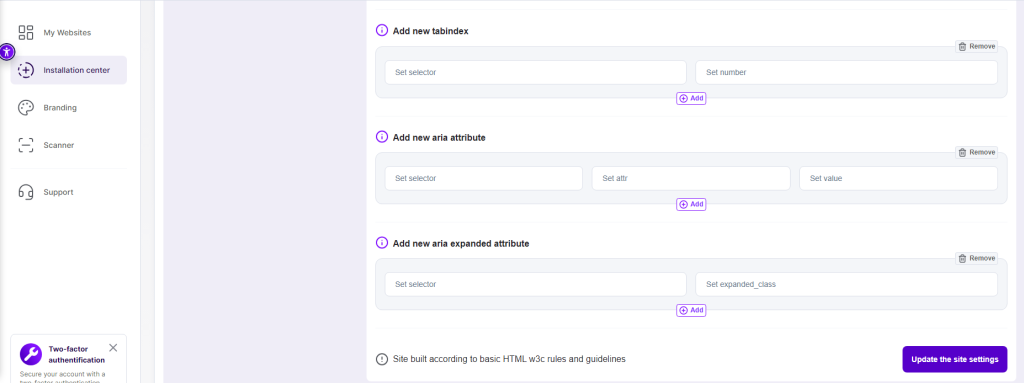
Installation center -> Advanced options -> Blocks configurations
Explanation:
Aria expanded is an attribute that allows the user to know the expandability status of the specified element. The Aria expanded attribute is set on an element to indicate if it is expanded or collapsed depending on its actual state, and whether or not this element is displayed for the user or temporarily hidden according to the interface logic.Instructions:
Click on the plus button “+” next to the “Add new aria expanded attribute” title. Input the element’s selector (this element will get a required aria expanded class) and define the relevant value by adding “true” or “false” to the field “Set expanded_class” field.