
Scanner & Reports
Create a Manual Accessibility Issue
This guide documents the Pluro workflow illustrated in the accompanying product screenshots. Available controls may vary by plan and product release.
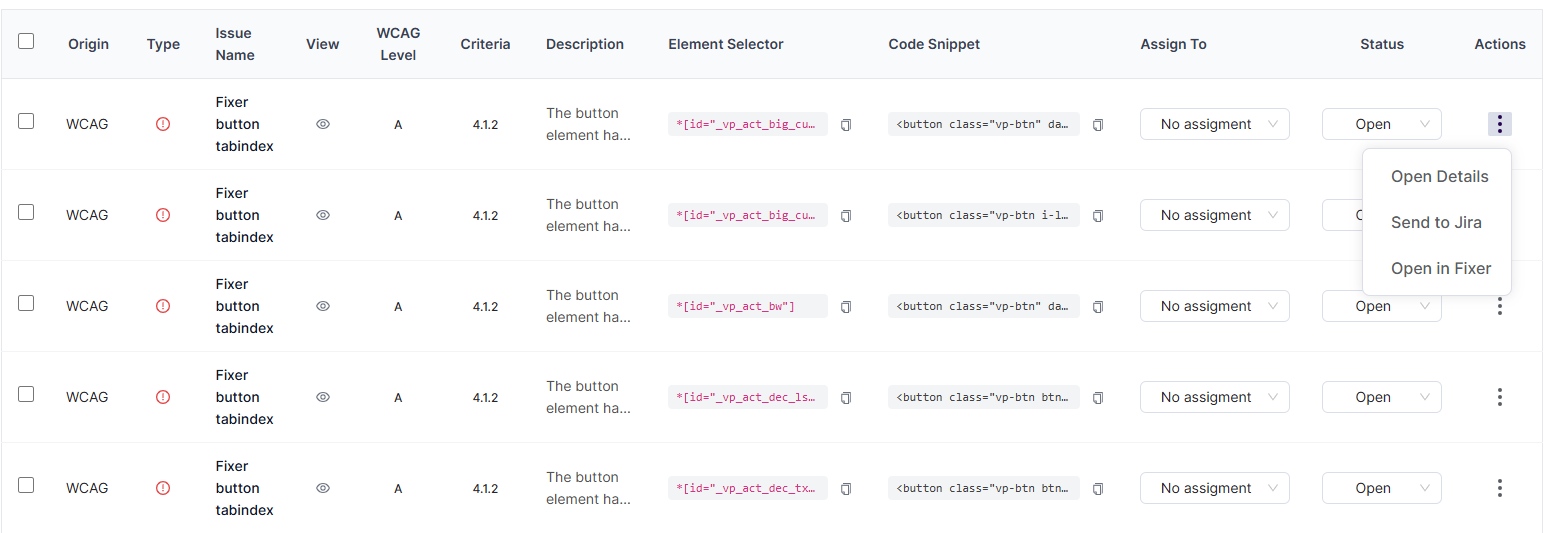
When to create an issue
Manual issues are useful when a human accessibility expert finds a problem that is not represented by automated findings, including keyboard navigation or complex interaction failures.
Open the form
In Scanner results, select Add Issue. The Create new issue dialog includes required fields for Issue name, Description, Element Selector and Code Snippet, plus First detected and attachments.
Provide useful evidence
Use a concise issue name and explain steps to reproduce, expected behavior, observed behavior and user impact. Identify a stable element selector and a representative code snippet. Attach sanitized screenshots or recordings when useful.
Save and verify
Select Create, then confirm the issue appears in the intended scan/report with the correct details. Avoid including personal data or confidential form values in screenshots and snippets.
Product documentation note: Review permission settings, current account functionality and the actual result before applying changes to a customer website.