
Scanner & Reports
Import Accessibility Findings from a Human Audit (CSV)
This guide documents the Pluro workflow illustrated in the accompanying product screenshots. Available controls may vary by plan and product release.
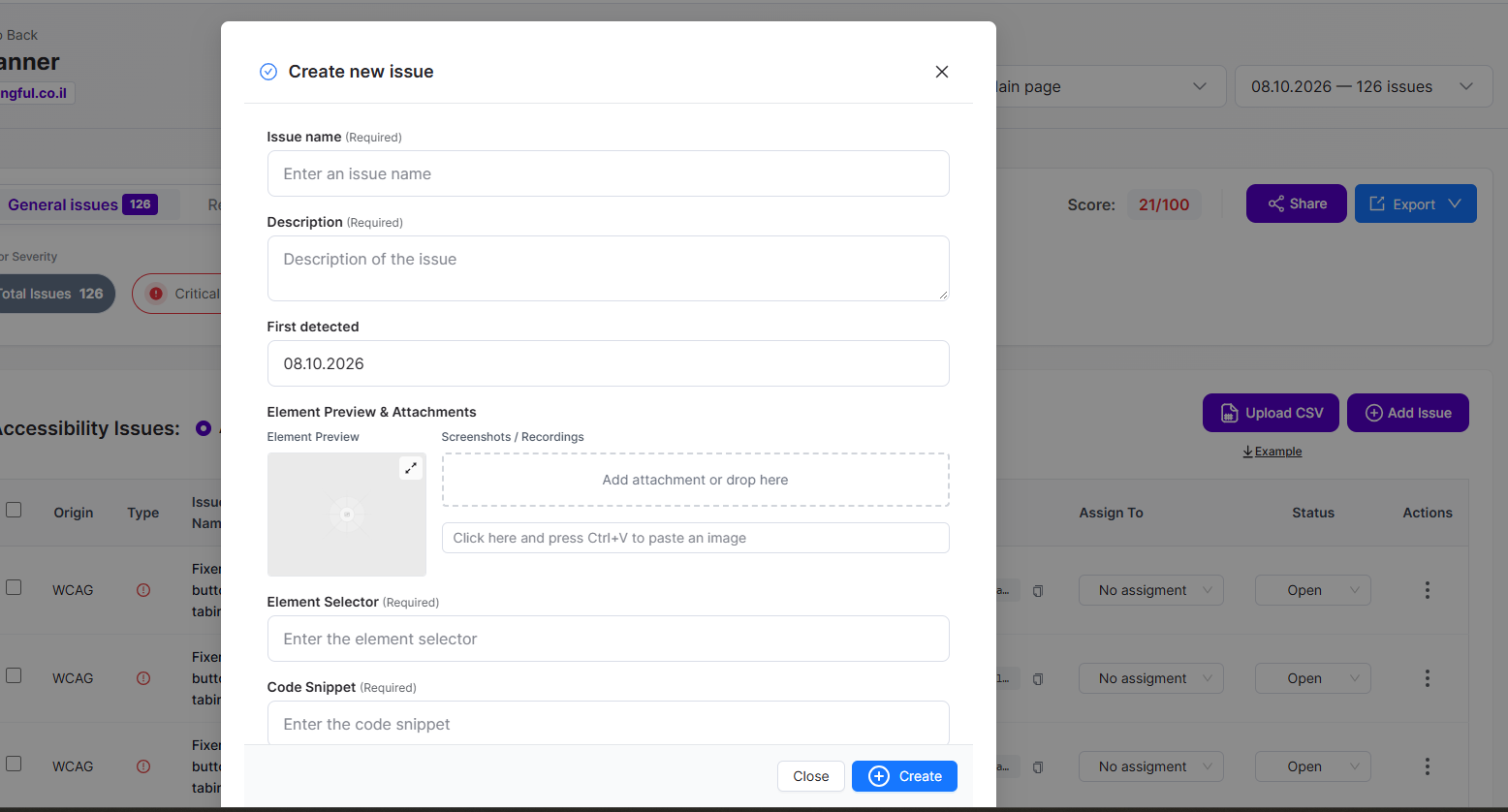
Import pathway
The Scanner results view includes an Upload CSV button and an Example link near Add Issue. These support a workflow for bringing externally identified findings into the issues list.
Prepare the file
Download and inspect the current Example template first. Populate the required columns exactly as specified by that template; do not assume arbitrary audit spreadsheets can be imported unchanged.
Upload and review
Select Upload CSV, choose the prepared file and follow the on-screen validation process. Review any reported errors and confirm that resulting findings have the correct site/page, description and selectors.
Human review remains essential
An imported manual finding is evidence from an audit; importing it does not automatically validate, repair or close the issue. Keep the auditor’s evidence and track resolution separately.
Product documentation note: Review permission settings, current account functionality and the actual result before applying changes to a customer website.